Product features

One complete Decap feature map for evaluation. Use the role filter to bring the most relevant capabilities to the top.

Prioritize by your role
Choose your perspective and matching features will move to the top.

Friendly editor UI with real-time preview

Decap CMS
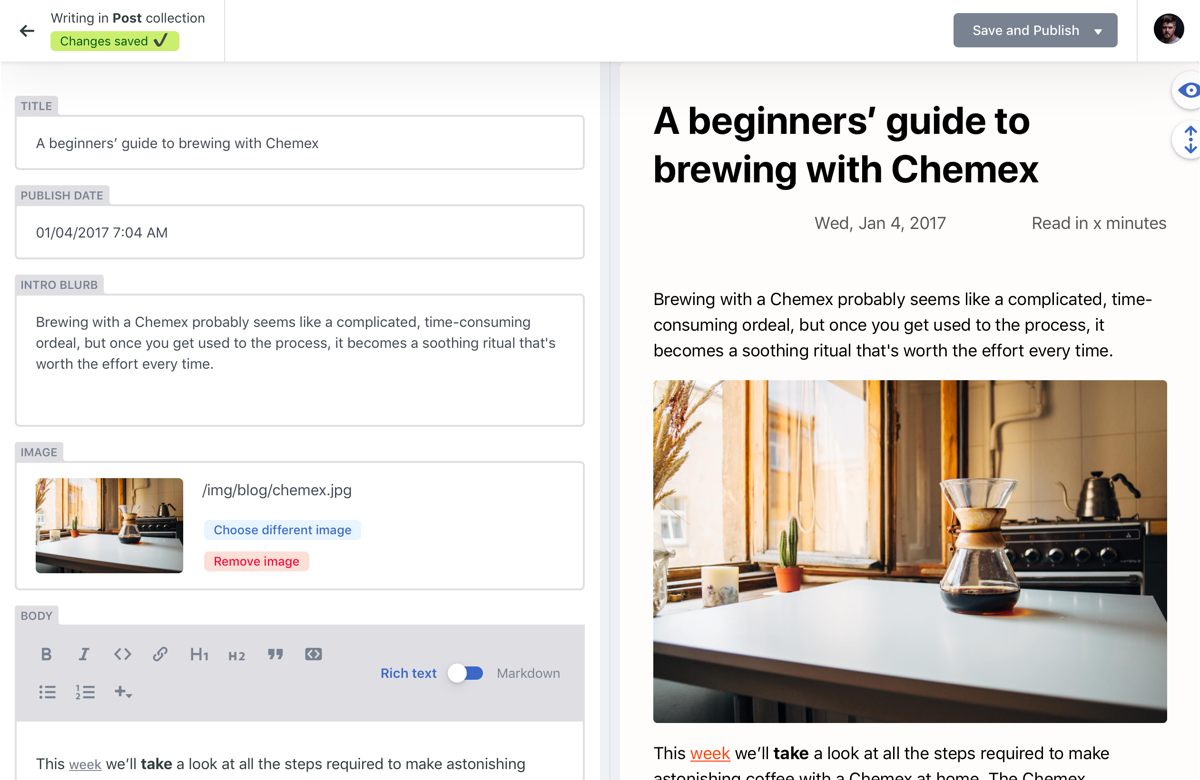
Decap provides a web editor with structured fields, rich text, and live preview so non-technical contributors can work confidently.
  • Editor
Decap editor with live preview

Editorial workflow for draft, review, and publish

Decap CMS
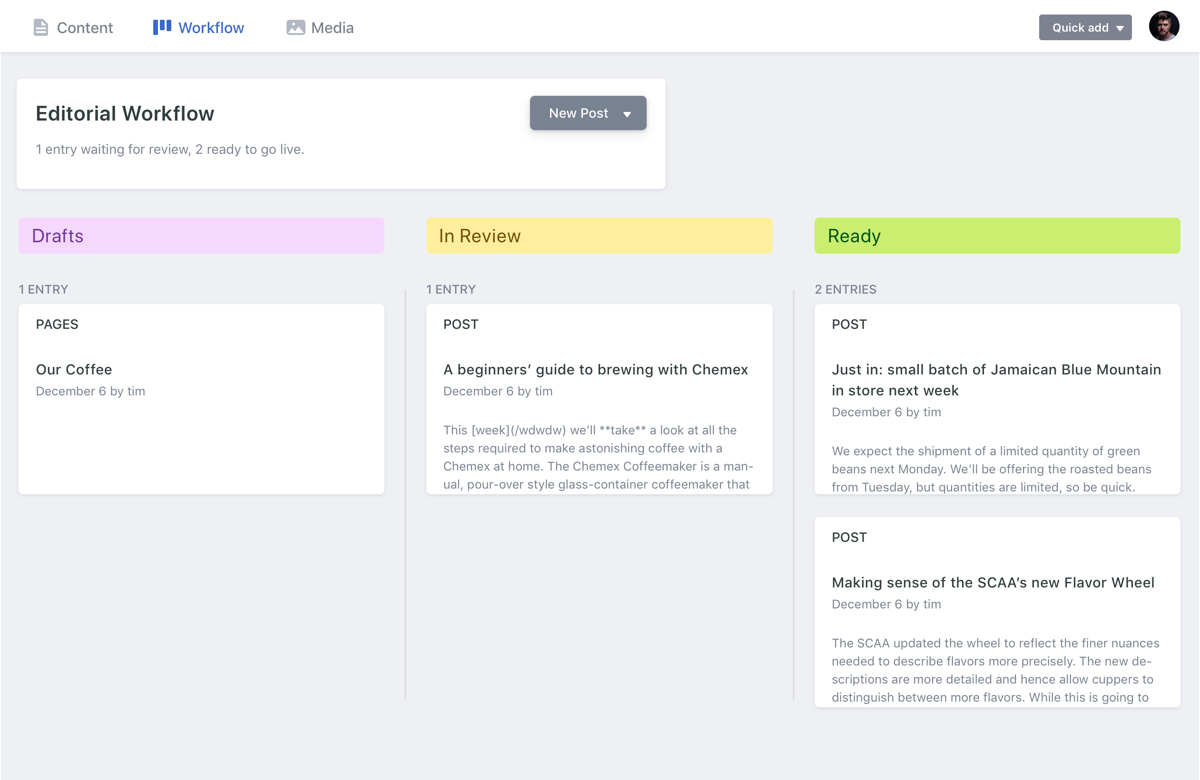
Content can move through clear statuses before publication, helping teams keep quality controls without adding a separate workflow tool.

Read docs

  • Team
  • Agency
Editorial workflow view

Built-in media library plus external integrations

Decap CMS
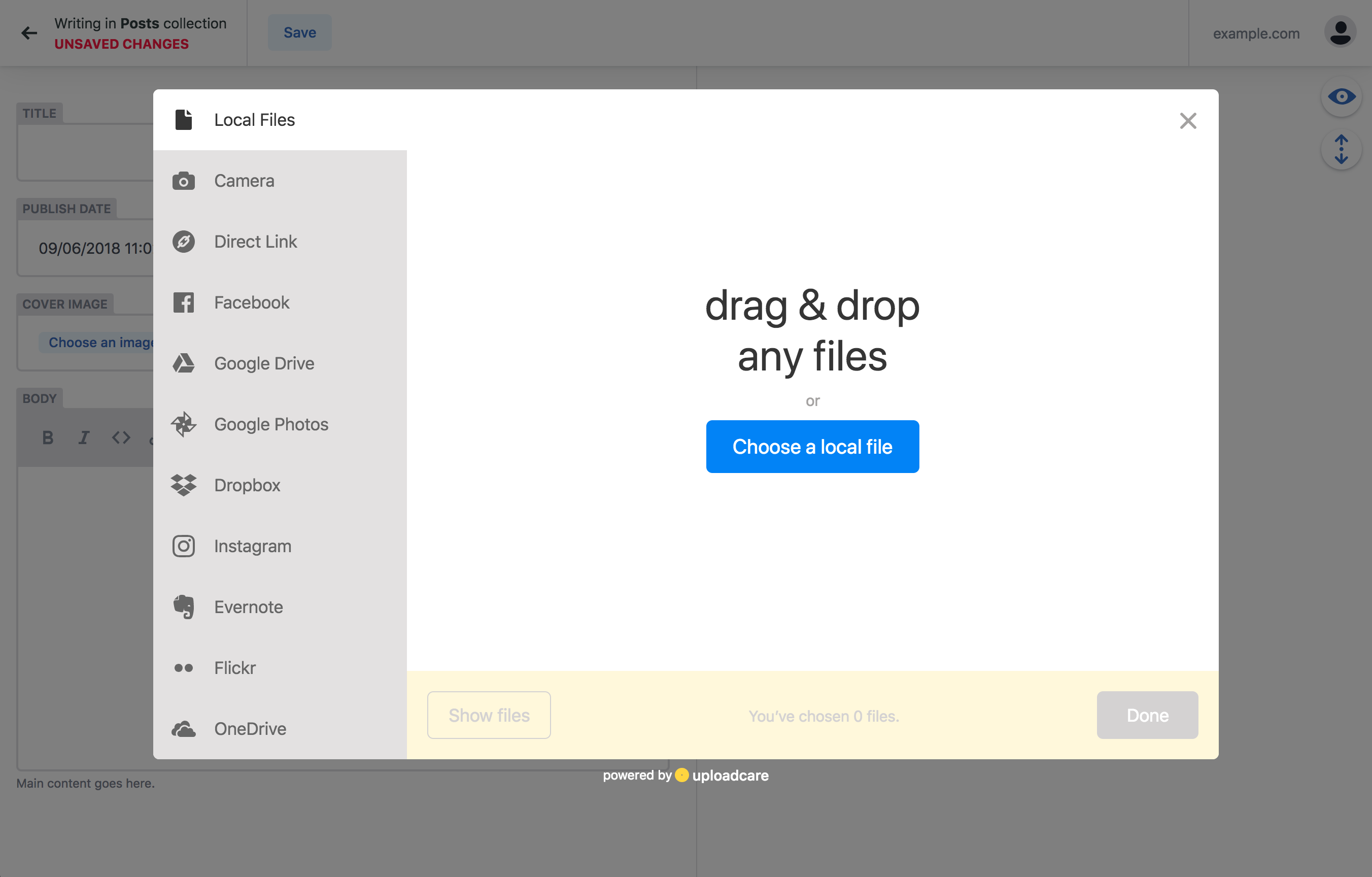
Editors can upload and manage assets directly in the CMS, and teams with advanced media needs can integrate tools like Cloudinary and Uploadcare, or develop their own integrations.

Read docs

  • Developer
  • Editor
Media integration example

Git-native history and ownership

Decap CMS
Content stays in your repository with full version history, branch workflows, and deployment checks in the same system your team already uses.
  • Developer
  • Team
  • Agency
GitHub status checks and previews

Multiple backend integrations

Decap CMS
Connect to GitHub, GitLab, Gitea, Bitbucket, Azure, Git Gateway (Netlify), proxy, and test backends.

Read docs

  • Developer
  • Agency

Authentication and login

Decap CMS
Use backend-specific auth flows such as OAuth, implicit, and PKCE login.

Read docs

  • Developer
  • Team

Flexible content modeling

Decap CMS
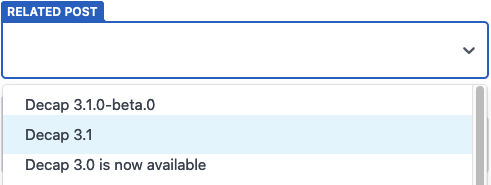
Define collections, nested structures, relation fields, and slug behavior so your content model matches your project rather than forcing a rigid schema.

Read docs

  • Developer
Relation widget example

Works with most static site stacks

Decap CMS
Decap is designed for Git-backed static and Jamstack architectures, including Hugo, Next.js, Gatsby, and Jekyll workflows.

Read docs

  • Developer
  • Agency
Supported frontend tools

Search across content

Decap CMS
Find entries using titles, slugs, nested fields, and configured summary fields.
  • Editor
  • Team

Localization and translations (i18n)

Decap CMS
Localize the UI and edit content in multiple locales with multiple options for the i18n content structure.

Read docs

  • Editor
  • Developer

Deploy previews

Decap CMS
Surface backend-generated preview URLs for entries before they are published.

Read docs

  • Developer
  • Team

Slug generation and custom paths

Decap CMS
Generate unique slugs and support configurable file paths for entries.

Read docs

  • Developer

Folder and file collections

Decap CMS
Folder collections: Organize repeatable content in directory-based collections. File collections: model singleton pages and other fixed content files as editable entries.

Read docs

  • Developer
  • Editor

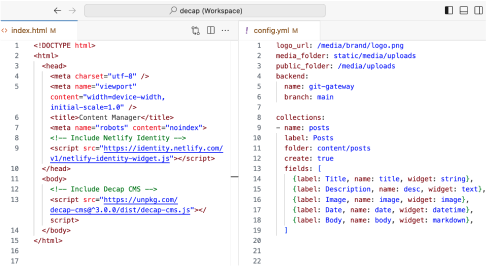
Simple configuration in a single YAML file

Decap CMS
Configure the entire CMS with one config.yml file. Decap’s declarative configuration makes it easy for developers to set up collections, fields, workflow rules, and media handling without code.
Read docs

  • Developer
Decap CMS YAML configuration file

Rich text / WYSIWYG editing

Decap CMS
Write structured rich text content with CMS-friendly editing controls. Switch between rich text and markdown editing modes.

Read docs

  • Editor

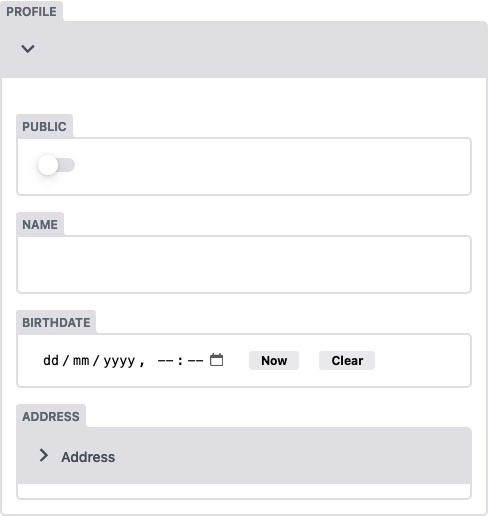
Nested objects and repeatable lists

Decap CMS
Build complex content with nested objects and repeatable list fields.

Read docs

  • Developer

Extensible with custom widgets and editor components

Decap CMS
Extend editorial UX with custom widgets (shortcodes), editor components, and plugins when default behavior is not enough for your product requirements.

Read docs

  • Developer
  • Agency
Structured widget customization

Instant preview templates and styles

Decap CMS
You can set up instant previews so editors can see in real-time how they changes will look on the frontend. You can write them in React and CSS.

Read docs

  • Editor
  • Developer

Role-based access and centralized auth

Decap Turbo Coming soon
Decap Turbo optional feature. Centralize user management, roles, and authentication for larger organizations that need controlled editorial access.
  • Team
  • Agency
  • Developer

Real-time editing visibility

Decap Turbo Coming soon
Decap Turbo optional feature. See who is editing to avoid collisions and help distributed teams coordinate content work.
  • Team
  • Editor

Performance database proxy for large content sets

Decap Turbo Coming soon
Decap Turbo optional feature. Improve CMS responsiveness on larger repositories by using Turbo’s database proxy layer.
  • Team
  • Developer
  • Agency

Secrets storage for advanced workflows

Decap Turbo Coming soon
Decap Turbo optional feature. Store and manage sensitive integration settings for more advanced publishing and operational workflows.
  • Developer

Local development with decap-server

Decap CMS
Use npx decap-server for local testing and rapid iteration on content models and editor behavior before pushing to remote environments.

Read docs

  • Developer
Local development setup concept